
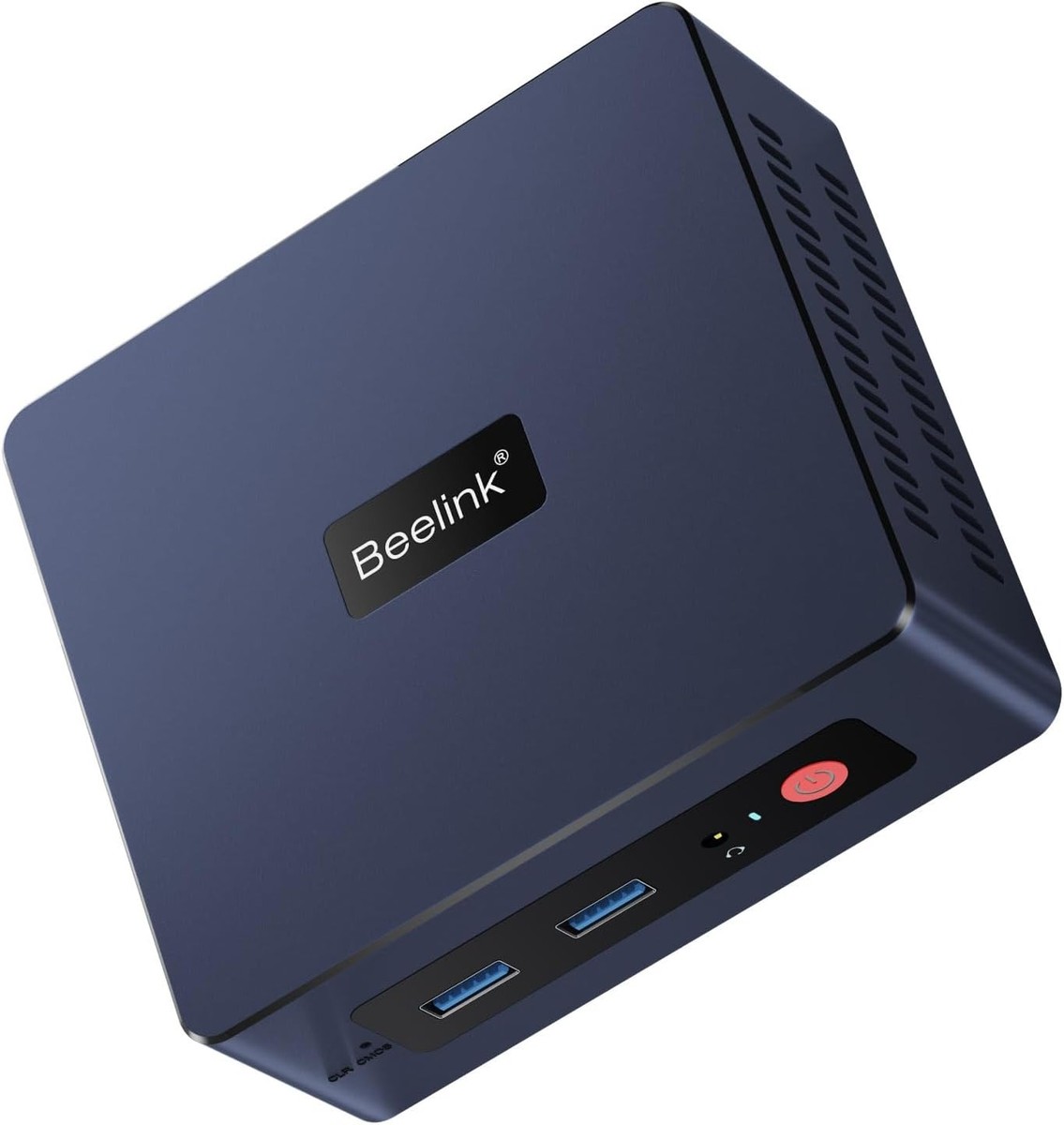
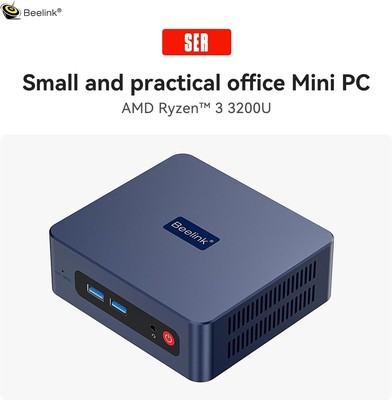
Beelink SER3 Mini PC, AMD Ryzen 3 3200U(14nm, 2C/4T) up to 3.5GHz, Mini Gaming Computer 16GB DDR4 RAM 500GB PCIE3.0 X4 SSD, Micro PC 4K@60Hz Dual Display, Mini Computer WiFi6/BT5.2/HTPC/W-11 Pro
Description
Beelink SER3 Mini PC Basic Specifications
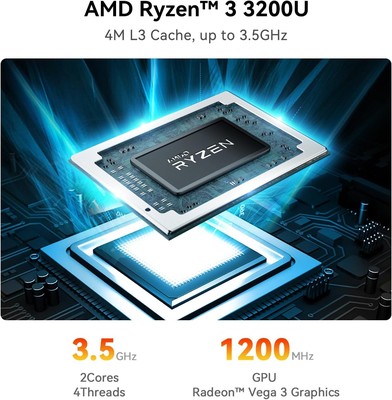
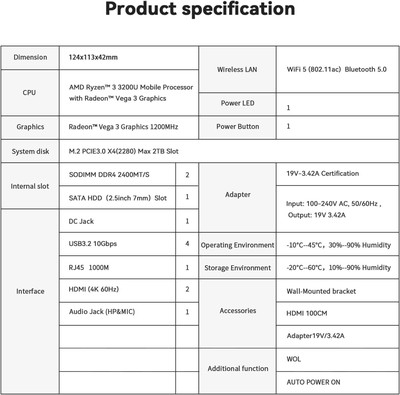
SER3 mini pc equips AMD decent performance CPU Ryzen 3 3200U(2.6-3.5GHz 2C/4T, L1 192KB L2 1MB L3 4MB).
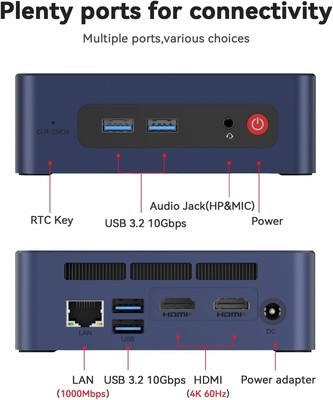
Dual Screen Display(Dual HDMI),Dual band 2.4+5G WiFi, Audio Jack (HP&MIC).
Large-capacity SSD can accommodate more games and applications. RAM can be expanded up to 32GB, Wait less when you do office work, play games, do some video mixing and professional photo editing, programming,watch 4K movies and run Kiosks.
CPU: AMD Ryzen 3 3200U up to 3.5GHz 2C/4T L1 192KB L2 1MB L3 4MB
OS:Pre-installed Windows 11 Pro
Graphics/GPU: Radeon Vega 3 Graphics 1200 MHz
SO-DIMM DDR4 2400MHZ: 8GB/16GB
Storage: 256GB/500GB M.2 Nvme SSD
Wireless LAN: dual band 2.4+5.8G WiFi (802.11ac) ,Built-in Bluetooth
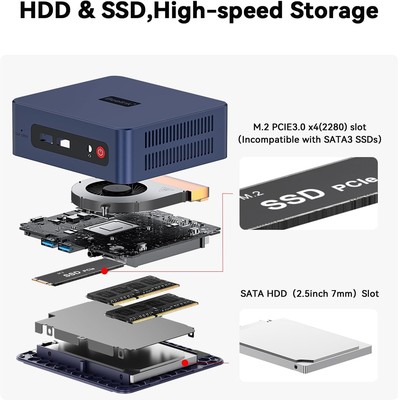
Equipped with two DDR4 slots(Support expanded 32GB);
Equipped with M.2 SSD slot(Support expanded 2TB )
Support expanded 2TB 2.5-inch HDD.
F&Q
Q1: Computer Green screen?
There is a problem with the graphics card driver configuration;
Solution: Uninstall the graphics card driver and reinstall the driver suitable for the graphics card version.
The computer monitor shows that the connection line is disconnected, resulting in incomplete color difference signal, so the red, green and blue three primary colors are not fully transmitted, and a green screen appears;
Solution: Try changing the monitor cable.
Q2: How to enter BIOS?
Press "delete" to enter the BIOS settings; press "F7" to enter the boot options menu (click continuously immediately after booting).
Q3: What should I do if I don't like the windows 11 pro system?
A1: Please do not return, please contact the service staff of our store to get windows 10 pro system files and tutorials.
Related Items
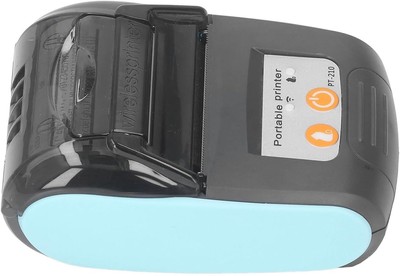
Bluetooth Thermal Receipt Printer 58mm — Portable Wireless Mini POS Printer
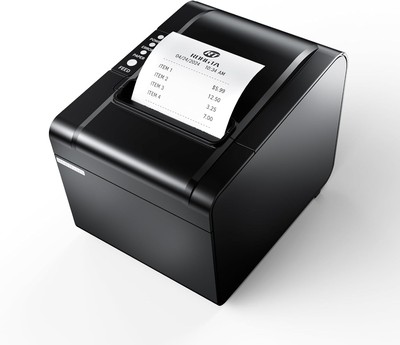
Rongta 80mm Thermal Receipt Printer - USB, Serial & Ethernet POS Printer with Auto Cutter (RP326)
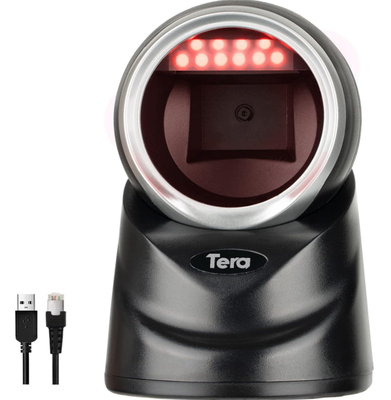
Tera Pro Omnidirectional Barcode Scanner 2D QR Desktop Handsfree, Adjustable Scan Head, Wired Automatic Platform Scanner with USB Cable for Market Retail Store Mobile Screen Payment